File
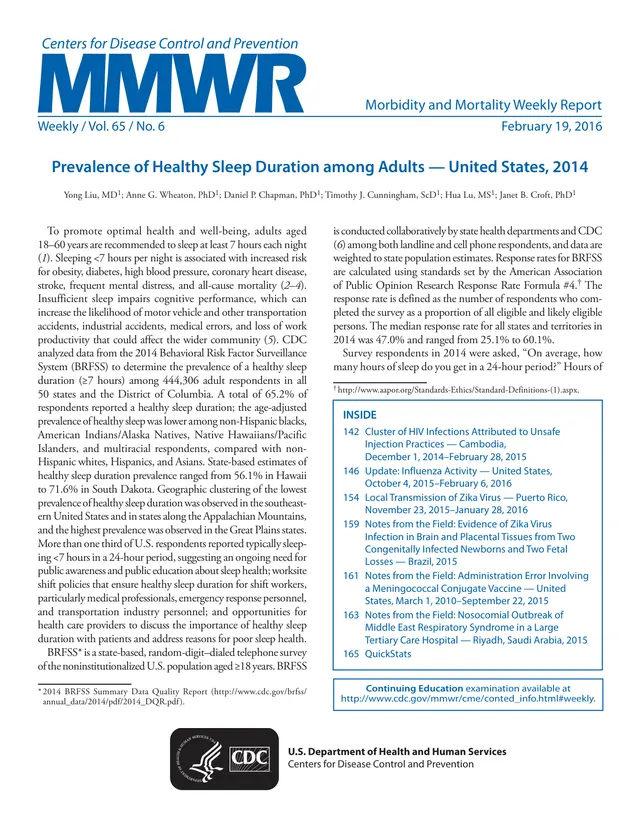
Healthy sleep duration, MMWR 2016
Select a sentence in a PDF and press Ctrl+Shift+Q. The quote lands on your board with its page number.
Search finds your quotes, clipped pages and the words inside screenshots without tags. Every quote keeps its source and page.
Field Notes itself, with a CDC report open at page 3. Select a line and choose Make quote card. The app says the quote card was added beside the report on its board, with page 3.
PDFs in folders, highlights locked inside a reader, quotes pasted without page numbers, web sources that stop loading.
Another night re-reading papers to find a page number.
Try it here
Example board · Essay research
Healthy sleep duration, MMWR 2016
Insufficient sleep impairs cognitive performance
— Healthy sleep duration, MMWR 2016, p. 1
sleep duration was obtained by self-report
— Healthy sleep duration, MMWR 2016, p. 4
Memory consolidation
How a new memory becomes stable over the hours and days after it is made.
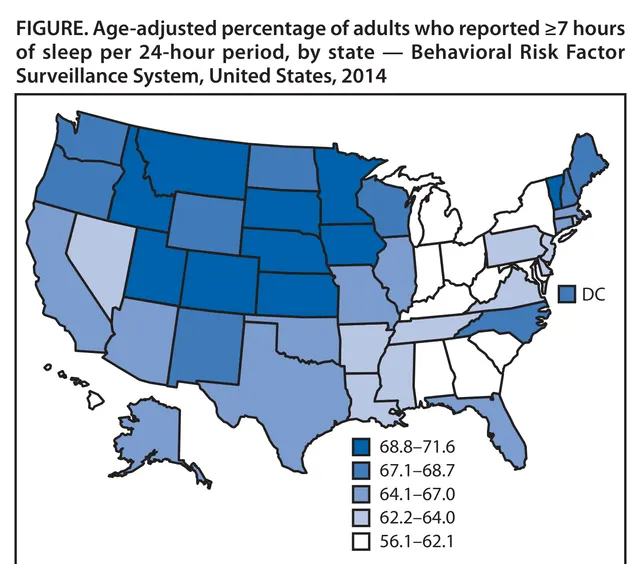
Map from the CDC report
Spacing effect
Study spread over several sessions is remembered better than one long session.
Testing effect
Recalling what you studied helps you keep it longer than reading it again.
Essay question (example)
Does sleep after studying help people remember more? Start with the CDC report, then the Wikipedia overviews.
What I have so far (example)
About two in three adults report 7 hours or more. Short sleep is linked to worse thinking (p. 1). The survey asked people; it did not measure their sleep (p. 4).
Essay outline (example)
Outline for the seminar essay, about 1,500 words.
Does sleep help recall? (example)
The question the essay has to answer.
Method idea (example)
Two groups learn the same word list. One sleeps, one stays awake. Test both the next day.
Drop in your PDFs and clip the pages you read.
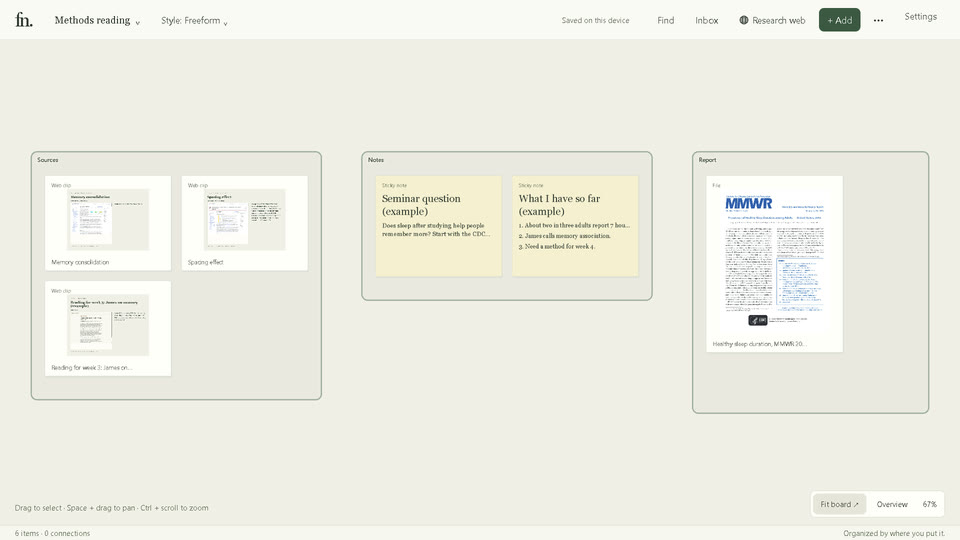
Select a passage and press Ctrl+Shift+Q.
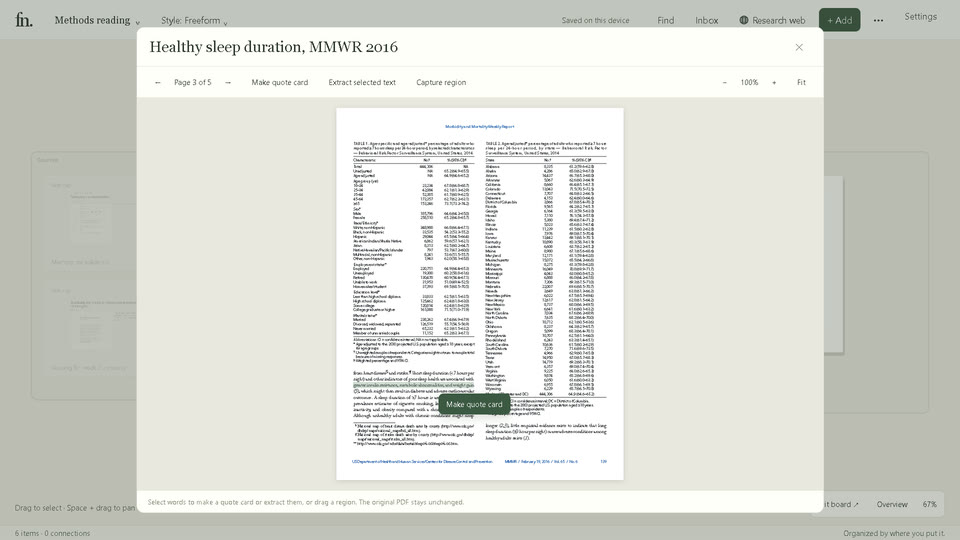
Lay the quotes out, draw the links, and export the citations.
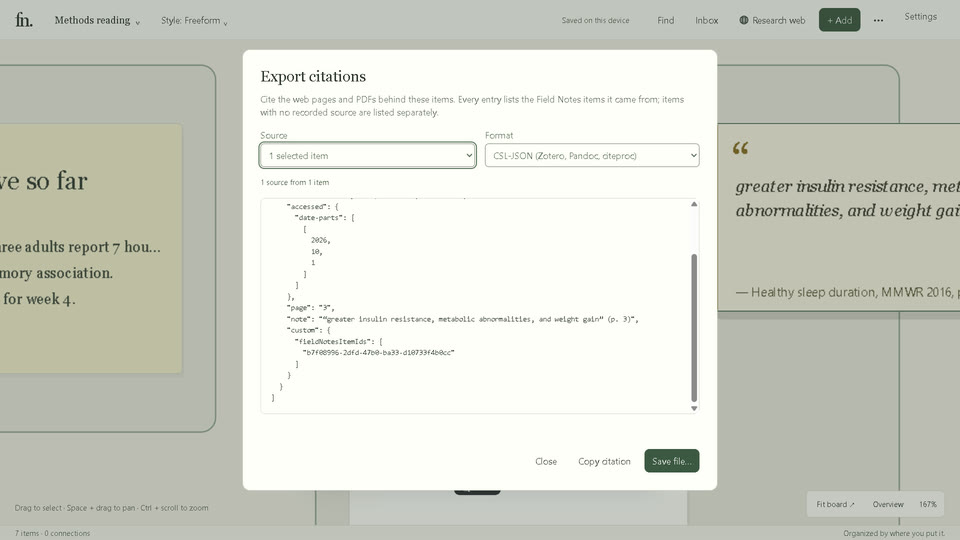
Scanned PDFs without selectable text cannot give quote cards. Citations are files for a reference manager, not formatted bibliographies.
Pages you clip from now on keep a full copy on your PC when the page allows it, so they still open after the site changes them or takes them down.
Put shapes, headings, checklists and dashed "maybe" lines beside your quotes, then let Arrange ▸ Mind map arrange them along the lines you drew.
1 min 18 s · with music · captions in the picture
The beta
Field Notes runs only on Windows PCs for now. You can still join the list, and we will email you if that changes.
No. Your boards live in a folder on your PC, every note is also saved as a Markdown file, and you can export a board as a file.
It is free during the invite-only beta. After launch the plan is a one-time purchase. No price is set yet. Export keeps working even after beta access ends.
We use your answers only to decide who to invite and to email you about the beta. Beta news about every two weeks. Unsubscribe in one click.
No account to make. The app goes online only when you ask it to, such as saving a web page or sending a draft to Substack.
AI is off until you turn it on. Changes from AI tools wait for your OK by default. You can choose to let them apply for a set time; Substack drafts, clips and deletes always wait.
A few questions about your PC, so we invite the people it will run well for. Beta news about every two weeks. Unsubscribe in one click.